hnd-viewer
A free, open viewer for the HND-NE3 / NATFIRE NE3 wireless ear camera.
Why
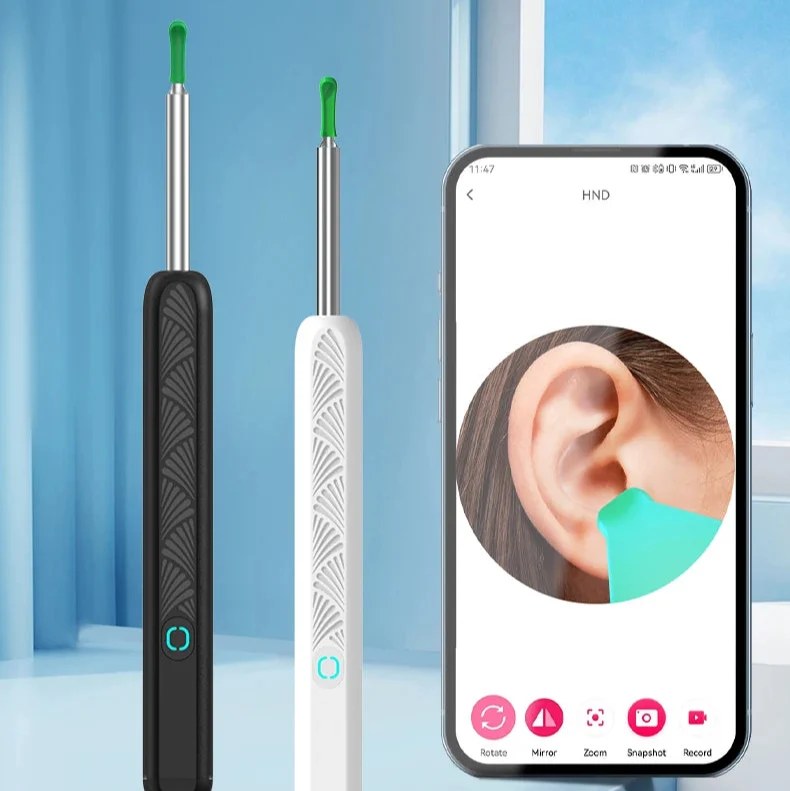
The HND-NE3-D (also sold as the NATFIRE NE3 and other white-label names) ships with an Android-only, Chinese-language app and no public documentation. It exposes no HTTP interface — raw UDP only — so browsers can't reach it, leaving you locked into the vendor app and its cloud. hnd-viewer talks to the camera directly: no vendor app, no account, no cloud, and no tracking — on Android, iOS, macOS, Windows, and Linux.
Live view
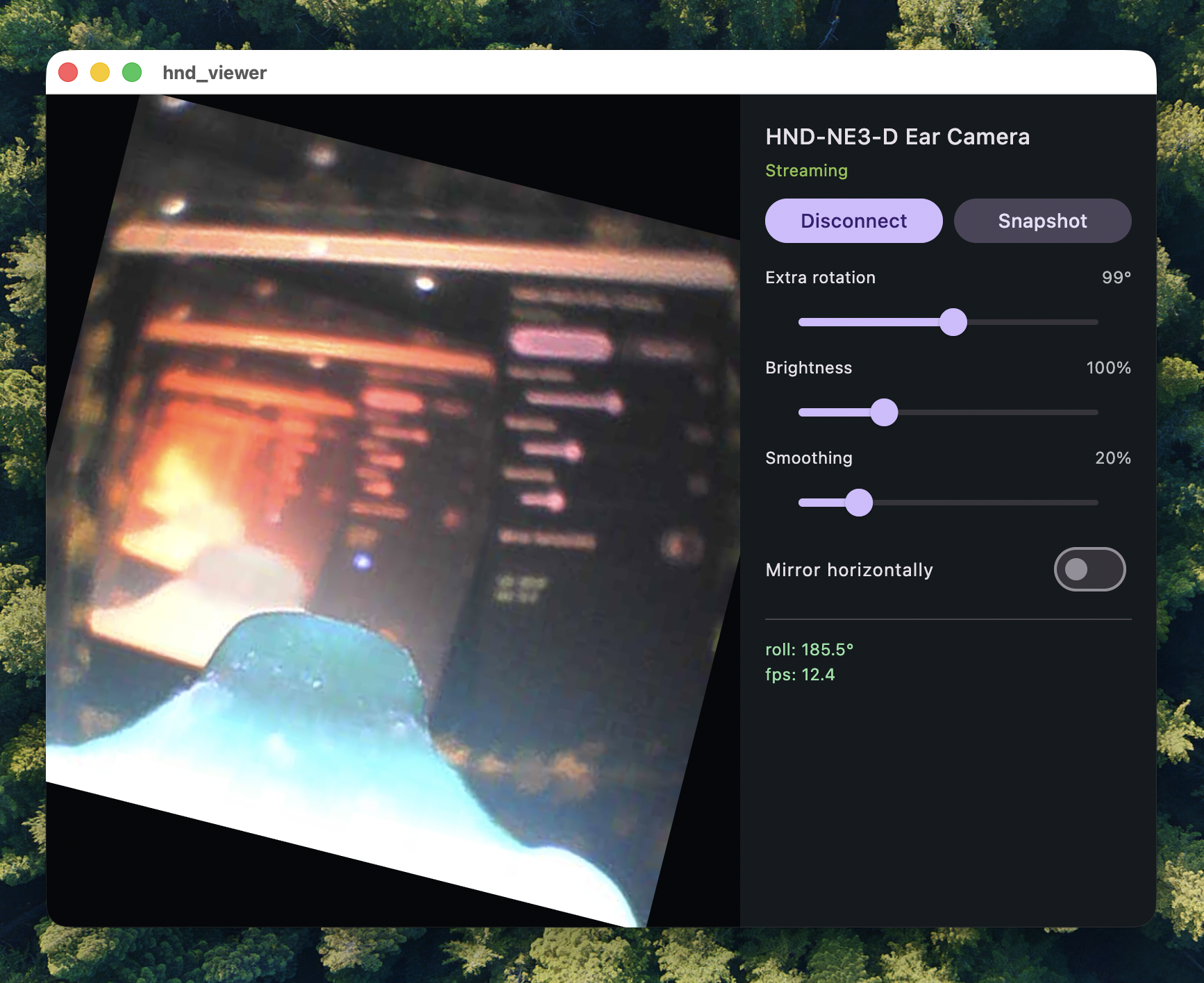
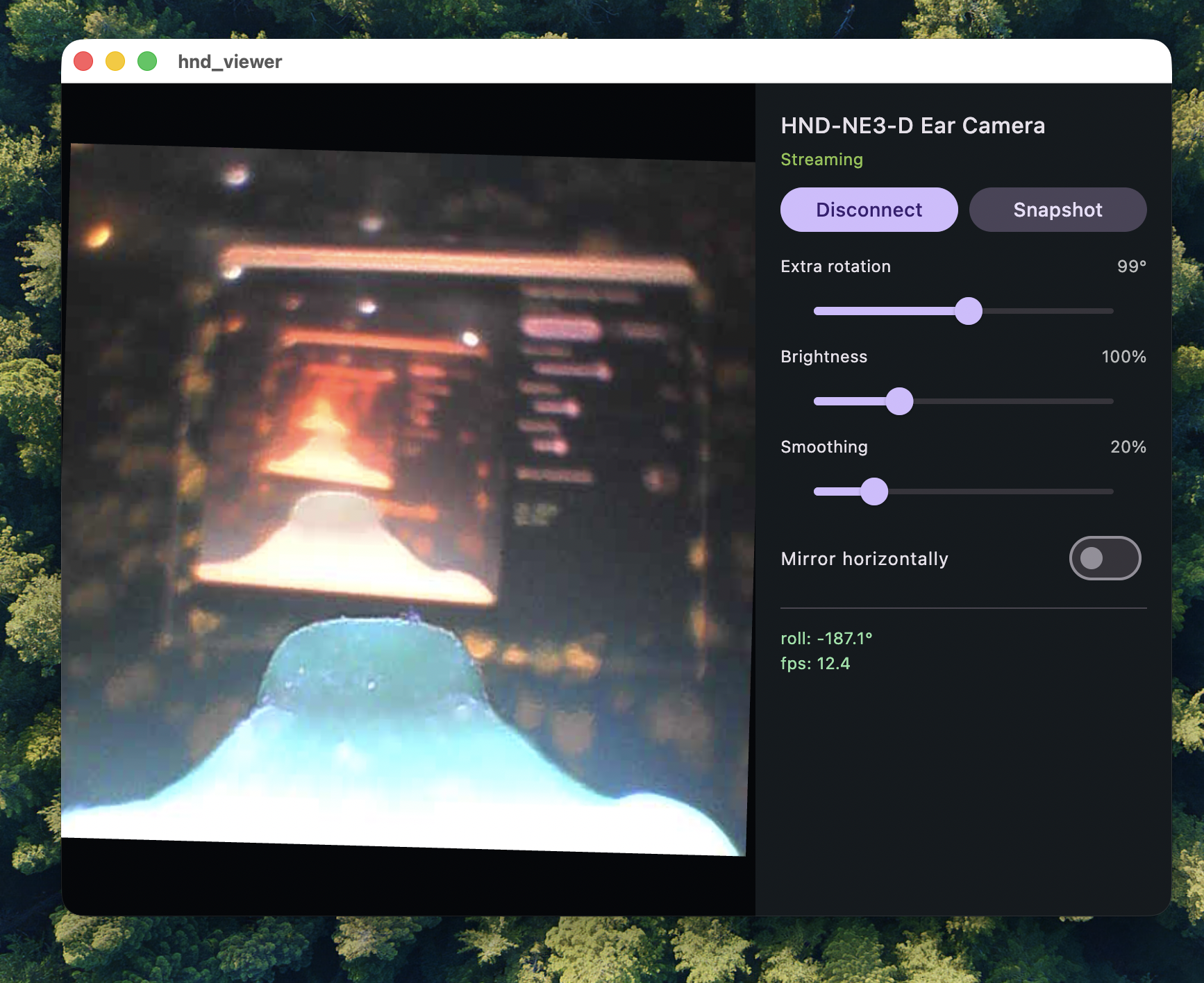
A factory-sealed HND-NE3 camera boots its own Wi-Fi access point and streams a roughly 12 fps 480×480 JPEG image plus sensor data. hnd-viewer renders it with a gyro roll overlay.
What it does
The camera ships sealed with its own Wi-Fi hotspot. hnd-viewer talks to it directly, so there is no vendor app, no account, and no cloud in the loop.
-
Discover and connect
Joins the camera’s Wi-Fi access point (SSID
HNDEC_55-…); the gateway is192.168.1.1. No IP hunting, no configuration file. -
Live 480×480 video
Shows the JPEG stream in real time with rotation, horizontal/vertical mirror, brightness, and smoothing controls, plus an auto-rotate toggle.
-
Gyro roll & live sensor chart
Reads the camera’s three-axis accelerometer over UDP, draws its roll over the video, and plots x/y/z + roll on a live scrolling chart.
-
Snapshot
Saves any frame to
~/Downloadson desktop (the gallery on mobile) with one tap. -
MP4 recording
Record and stop with one button; encodes H.264 MP4 to
~/Downloadsvia FFmpeg. -
Offline and open
The camera access point has no internet and the app needs none: raw UDP only, no cloud, and source code you can read and audit.
How it works
The HND-NE3-D (Beken BK7252N) exposes no web interface. A small set of raw UDP datagrams controls everything, and the wire format was reverse-engineered and re-implemented from scratch for this project — it carries no vendor code. Browsers cannot open raw UDP sockets, which is why this is a native app, and why it needs no internet at any point.
-
The camera is its own network
It boots a Wi-Fi access point (SSID
HNDEC_55-…) with gateway192.168.1.1. The viewer joins that access point as a DHCP client; no internet is needed or provided. -
Wake and discover
The viewer broadcasts the four-byte datagram
66 30 01 01to192.168.1.255:46526, and the camera answers with a JSON identity document. Discovery is optional — the stream address is fixed, so the app can skip straight to video. -
Start the video
Sending
20 36to192.168.1.1:44506starts the stream. Frames arrive as 480×480 JPEG fragments and are reassembled over 3 rotating buffers × 40 slots before decoding. -
Subscribe to the gyro
86 06 01to192.168.1.1:52219turns on three-axis accelerometer telemetry, which the app renders as a roll overlay. -
Render, snapshot, record
Everything downstream is plain Flutter: decode and paint each frame, draw the orientation overlay, save a frame to the gallery, or write an MP4 with the FFmpeg writer.
The full wire specification — every command, byte layout, and edge case — is documented in docs/PROTOCOL.md in the repository.
Downloads
Artifacts are attached to each release on GitHub Releases.
- AndroidAPK + AAB
- WindowsPortable zip
- macOSApp bundle (.zip)
- LinuxTarball
Artifact names are indicative and may change. iOS builds require a developer certificate for sideloading and are not distributed here.
The macOS build is unsigned. To open it, right-click hnd_viewer.app and choose Open — or run xattr -cr hnd_viewer.app in Terminal first.
Build it yourself
The full development guide lives in the repository README. The short version:
Prerequisites
- Flutter SDK (stable channel)
- Android: JDK 17 plus an Android SDK with the
android-36platform, an NDK, and build-tools. The debug keystore is committed, soflutter build apkis hermetic. - macOS / iOS: a full Xcode install
git clone https://github.com/fuho/hnd-viewer.git
cd hnd-viewer
flutter pub get
flutter test                # protocol unit tests — no device needed
flutter run                 # live view on a connected device
flutter build apk --debug   # Android debug APK
Prefer a ready-made build? Download the latest release instead.